
Introducing your DiGiMaker Store Builder
A branded online store is now something you build yourself — pick a theme, add your products, and publish. Here's what's new and why it matters.
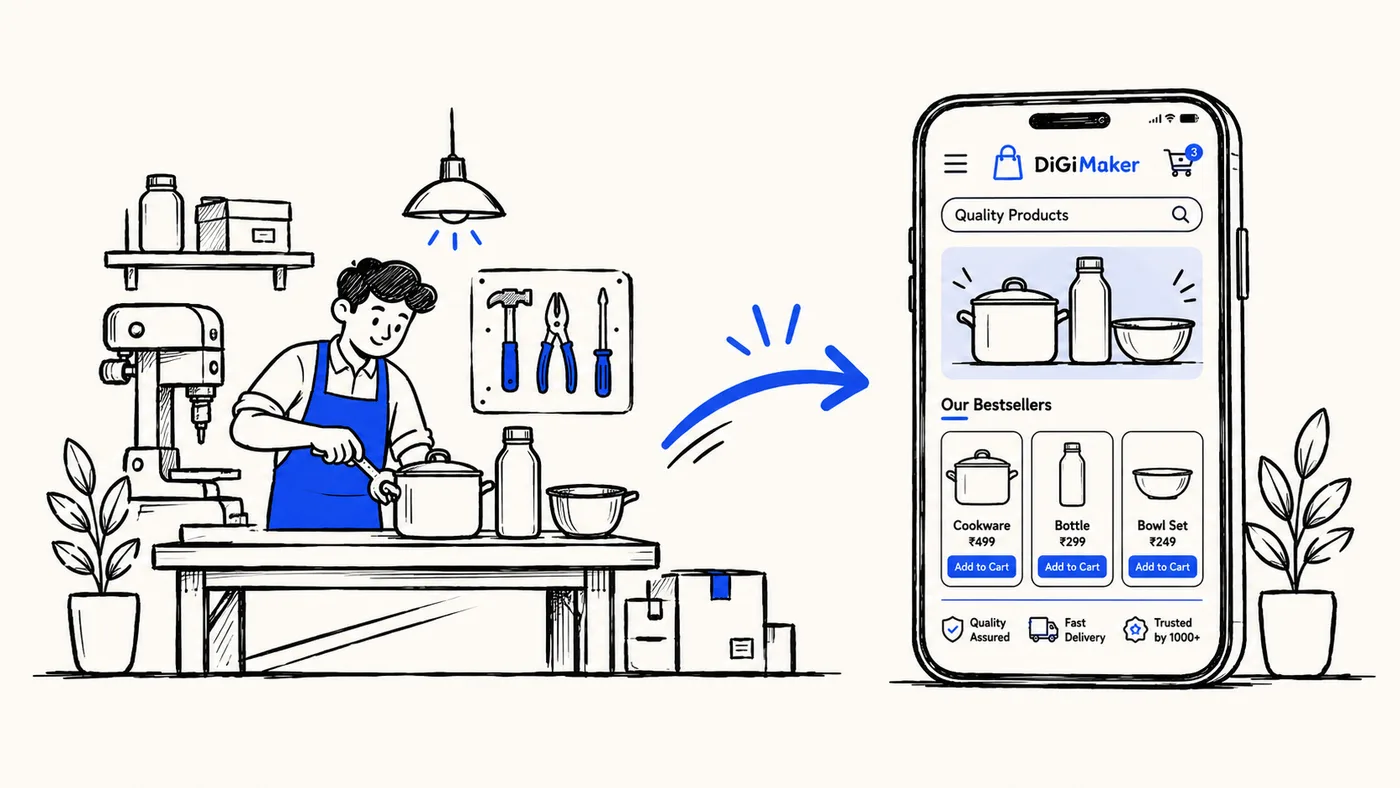
For a long time, getting a manufacturer online meant weeks of back-and-forth: screenshots emailed over WhatsApp, a developer somewhere building a site by hand, and a seller waiting to see their own products on their own website. We built the Store Builder to close that gap.
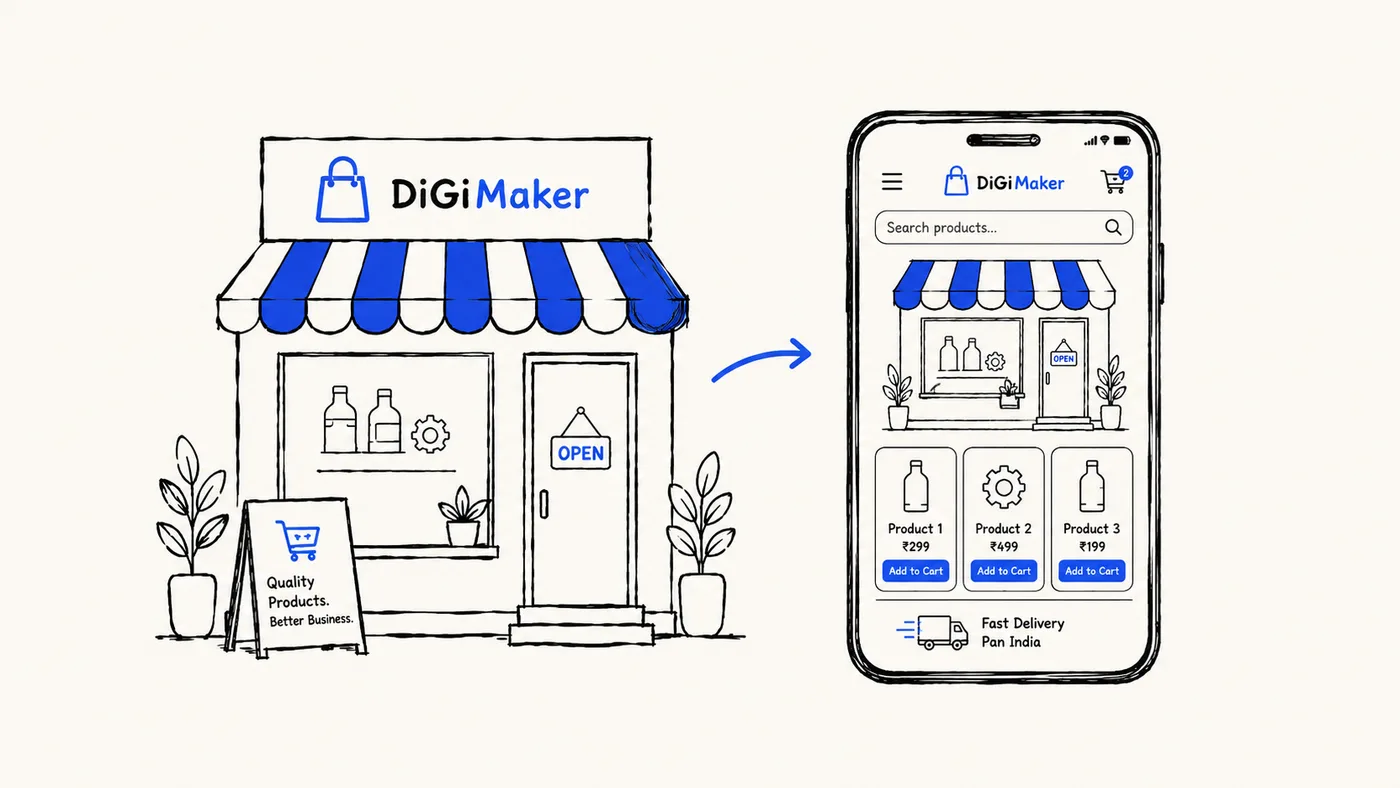
Today, you can go from “I make great products” to “I have a branded online store” in an afternoon — no developer, no waiting, no code.
What the Store Builder actually does
The Store Builder is the part of your DiGiMaker dashboard where your storefront comes together. It’s built around three simple steps:
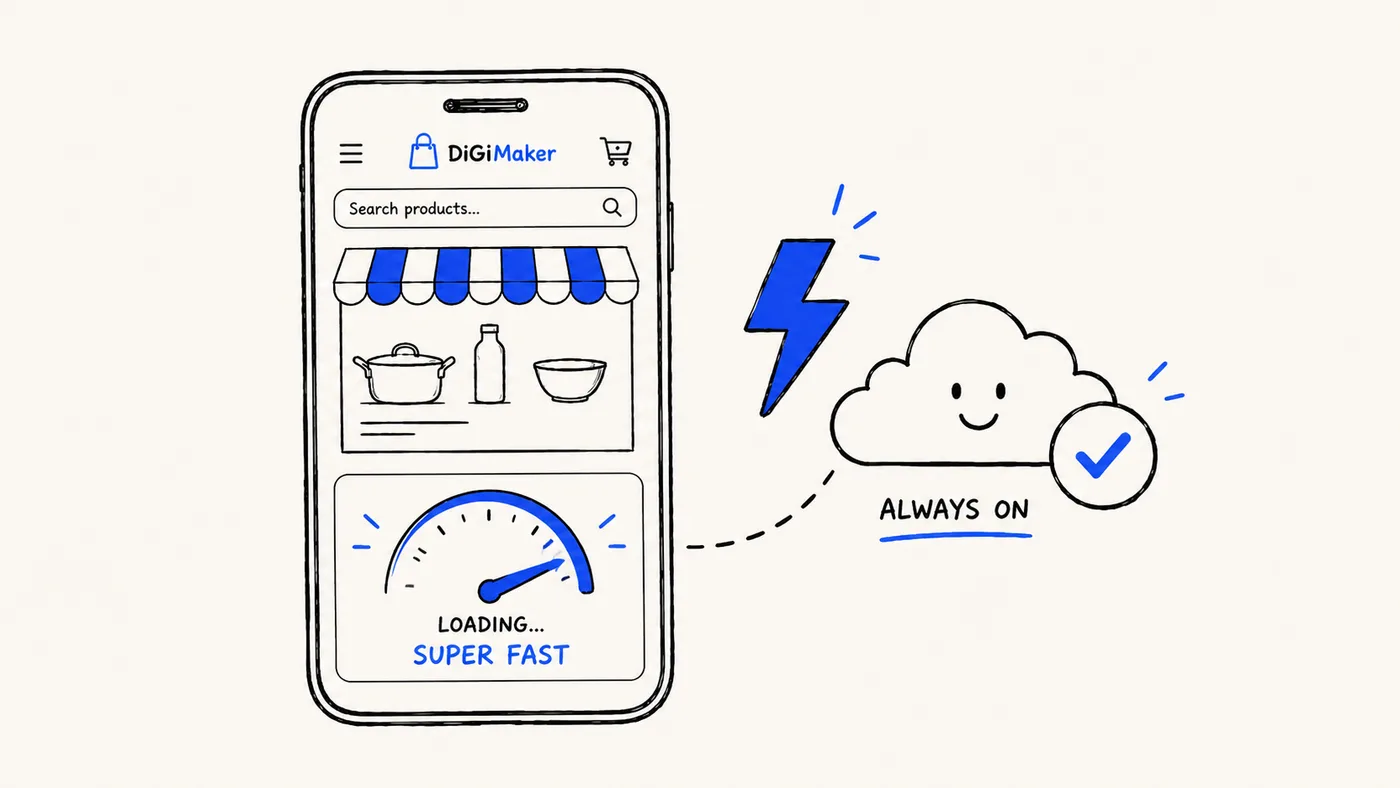
- Pick a theme. Every theme is already designed to sell — clean product grids, fast-loading pages, and a layout that works as well on a phone as it does on a laptop. You pick the one that fits your brand; we’ve done the design work.
- Add your products. Photos, prices, sizes, colors, stock — the same catalog tools you already use to manage your business, just connected straight to your live store.
- Publish. One button. Your store goes live at
yourname.digimaker.inimmediately, with your logo and colors applied everywhere.
No plugins to install, no hosting to configure, nothing to “deploy.” If you can fill in a form, you can build your store.
Why we built it this way
Most store builders are made for people who already think like marketers or web designers. Ours isn’t. We built this for a first-time seller — often a manufacturer who has never run a website before, who thinks in products, orders, and customers, not in “themes” and “SEO settings.”
That meant a few hard rules for ourselves:
- Every important action is visible. No settings buried three menus deep. If you need to change something, you can see how.
- Plain language everywhere. No jargon. If a screen needs a word explained, we explain it right there.
- Nothing you do can break your live store. You can preview every change before your buyers ever see it.
What you can customize
Your store isn’t a fixed template with your logo pasted on top. You control:
- Theme and colors — matched to your brand, not ours.
- Your product catalog — categories, variants, pricing, and stock, kept in sync automatically.
- Your store’s basic pages — About, Contact, and policy pages your buyers expect to see.
- Your domain — start on
yourname.digimaker.in, and move to your own.comwhenever you’re ready. We handle the technical side of pointing it.
What’s next
This is the first version of the Store Builder, and it’s already how every new DiGiMaker store goes live. We’re actively working on more themes, more layout flexibility, and richer storefront sections — all shaped by what sellers actually ask us for.
If you’re already on DiGiMaker, open your dashboard and look for Store Builder in the left menu. If you’re not yet a seller, reach out to our team and we’ll get you started.